Hi Terry
as soon as you paste your image within notes, it is not resizable, but you may resize before pasting if it is essential for using within notes.
If you try to insert the images within the outline, there is an easier way by
- inserting a new column
- define as For new Field:
- name the field to your own choice, for example My Images
- select OK
Select the new column and change Type to Media.
Now you may drag and drop an image as to your need, this will result as a preview of that image within the column, sized to column spacing.
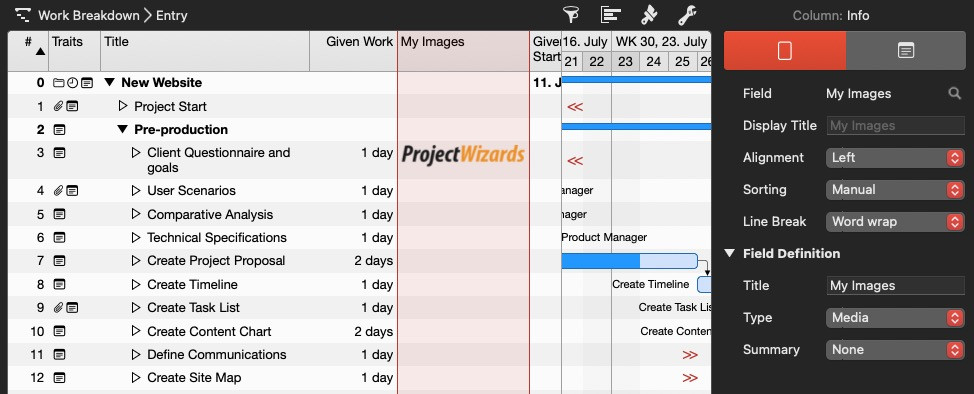
You may also establish an individual Work Breakdown view so you do not have to hide and show the column temporarily, easy switching views.

